Ozwell AI - Overview
Ozwell AI is a tool designed to assist users with their daily tasks within the WebChart/Enterprise Health EMR. This tool can be leveraged to transcribe encounters, draft documents and translate content. There are several steps that must be taken to enable Ozwell AI. Reach out to your Account Manager for additional information regarding this solution.
Supported Features in Ozwell AI V1
The following features are available for V1:
- Ambient Scribe: This feature will transcribe two-way conversations and filter out irrelevant content.
- Assistant: This feature will draft summaries, letters, emails, and documents.
- Translator: This feature will translate content into 57+ languages (all supported by OpenAI).
These features are not separately licensed. They are key components of Ozwell AI V1. Other features may be in beta and not officially supported in V1.
Accessing Ozwell AI and Updating the User Settings
The following steps outline how to access Ozwell AI:
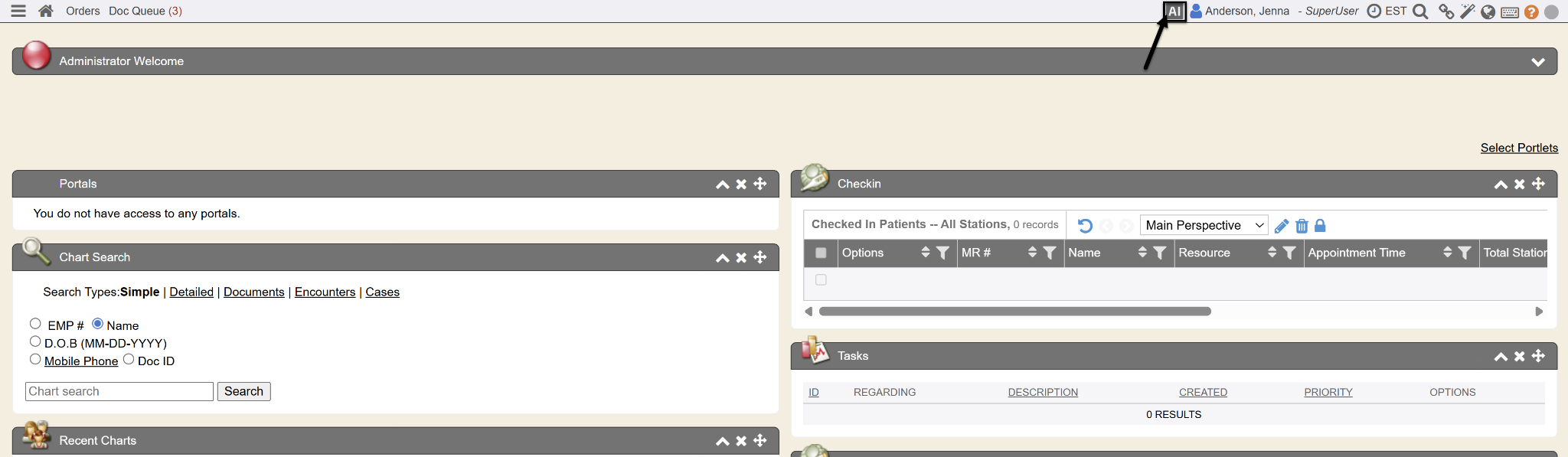
- Click on the AI button at the top of the screen to open Ozwell AI. The Security Setting “Enable AI Assistant” must be set to “Yes” to access Ozwell AI.

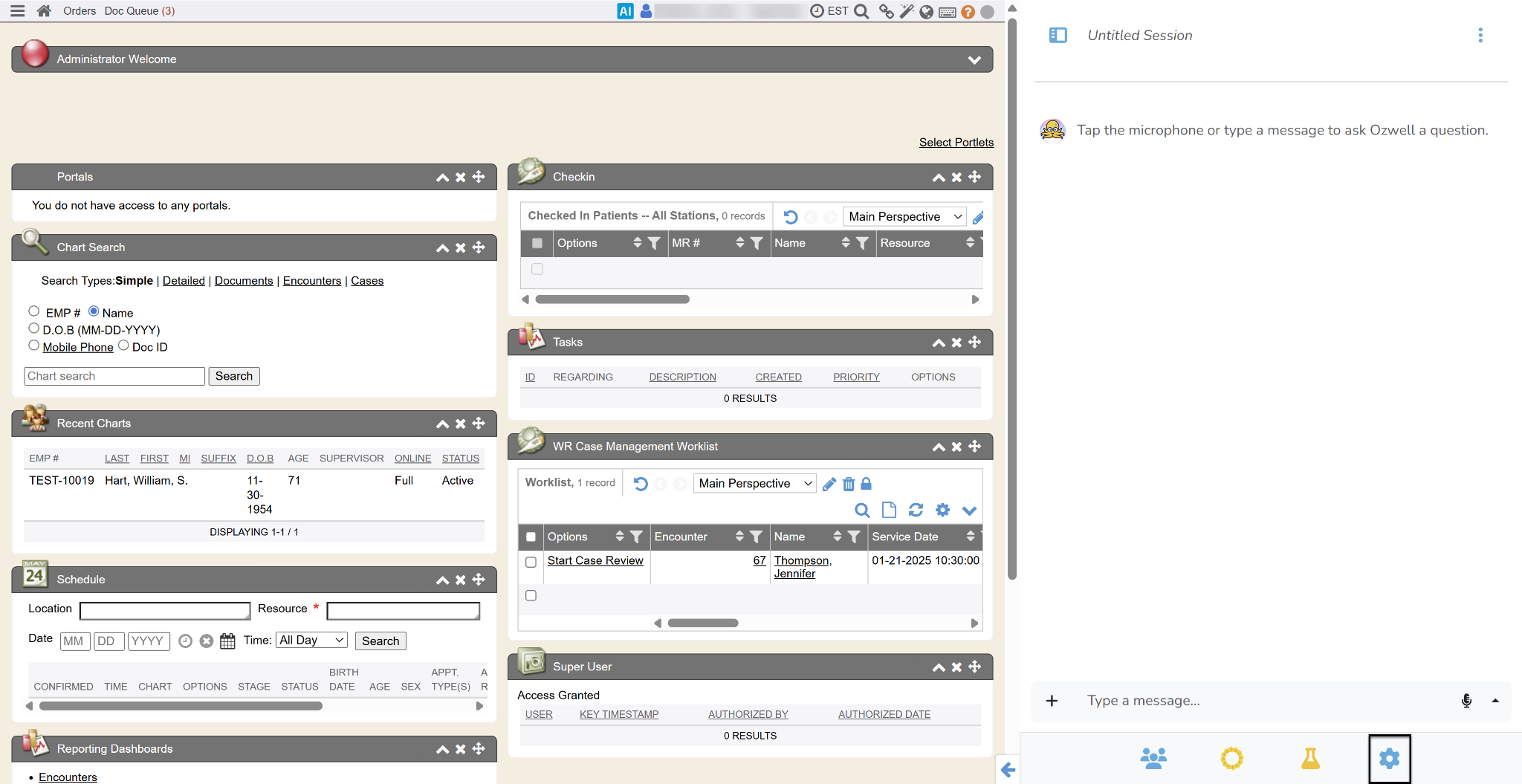
- Click the Gears icon to open Settings. You may see options such as Referrals and Billing. Those options should be ignored.
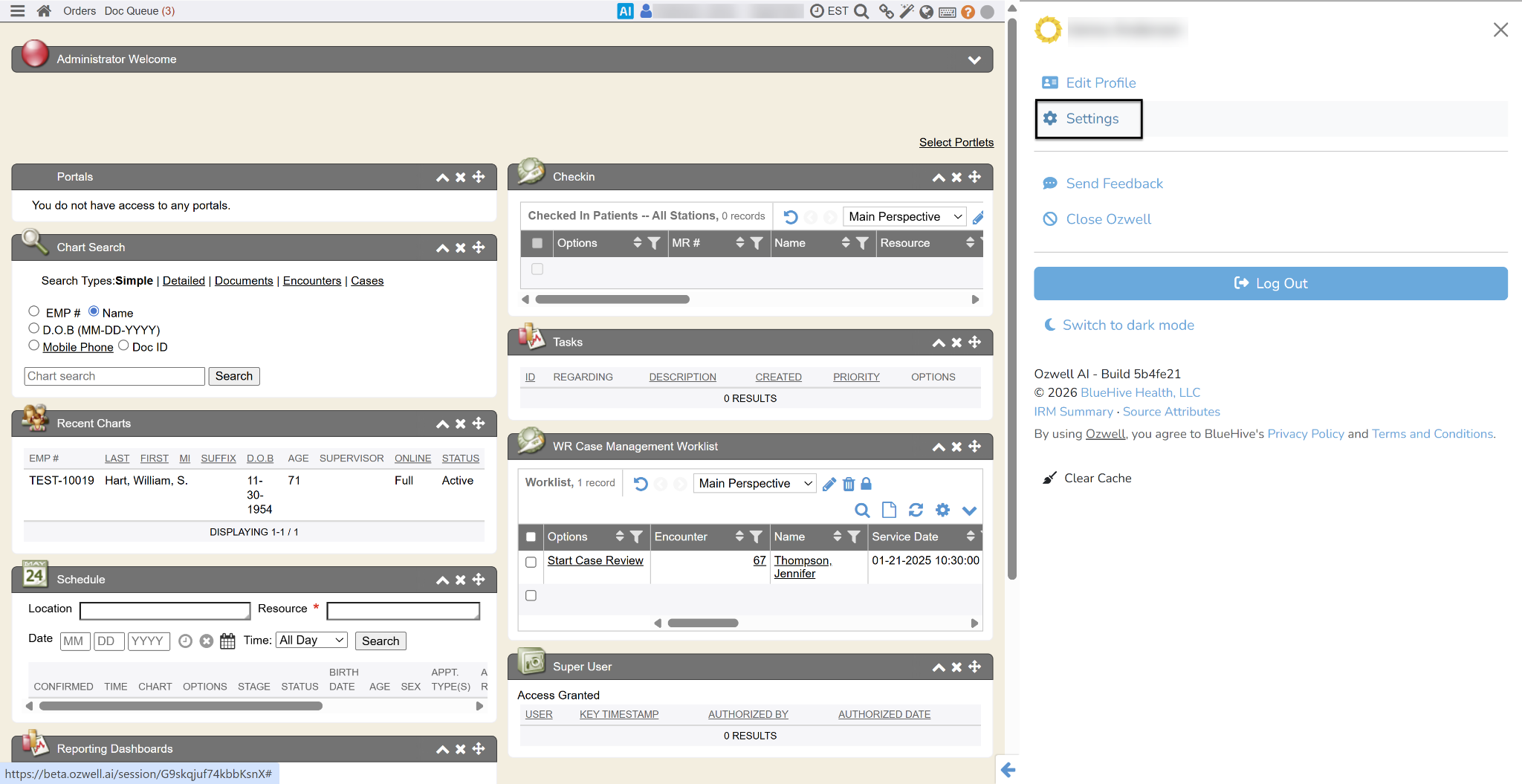
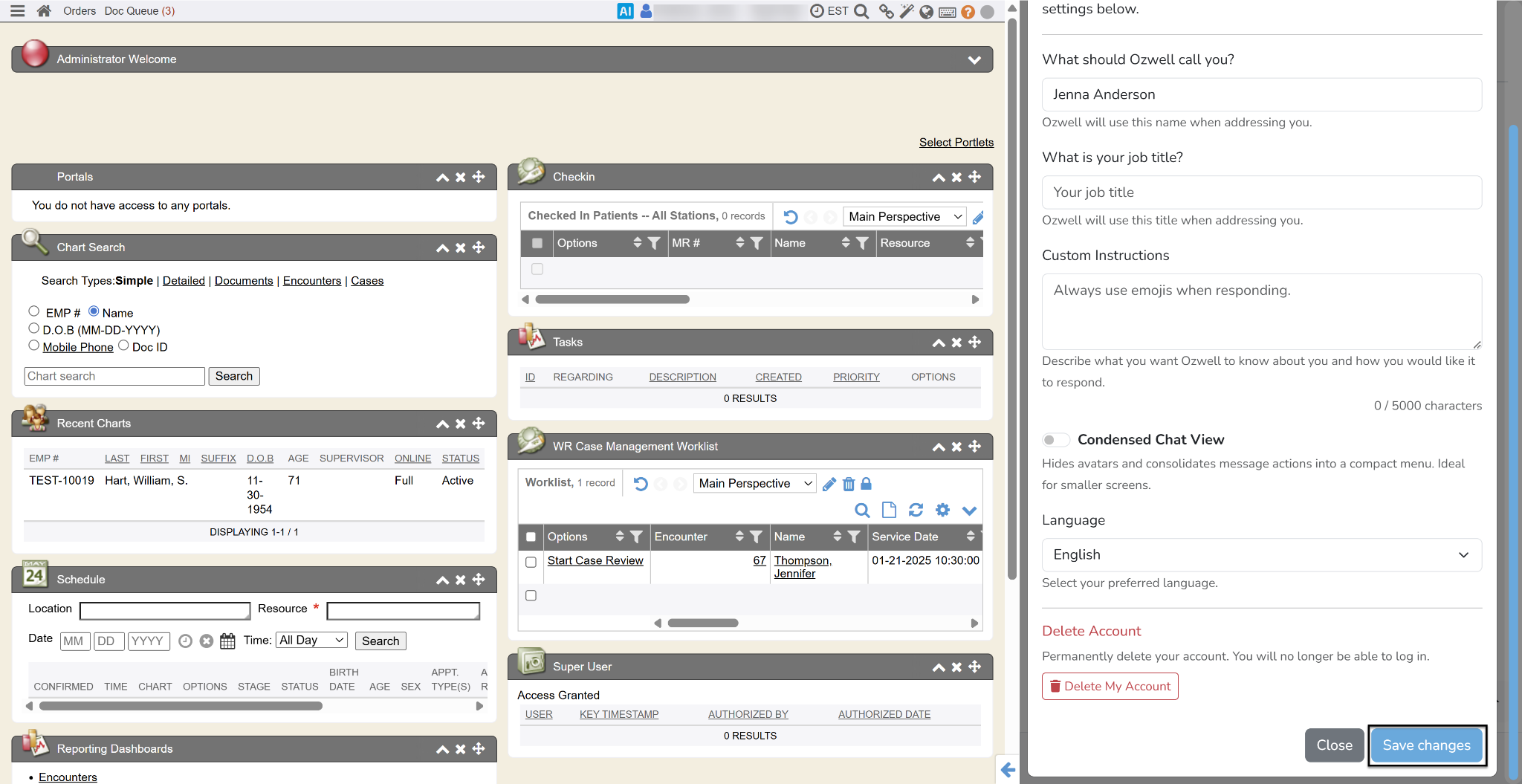
- Update the relevant settings. This may include name, job title and/or custom instructions. Custom instructions allow you to tell Oswell how to handle specific scenarios (e.g., always send work status notes to a specific person, suggest wellness programs, require consent for recording). Custom instructions are per user. If rolling out to multiple users, share the instructions for them to copy and paste. You can also toggle condensed chat and change your language preference.
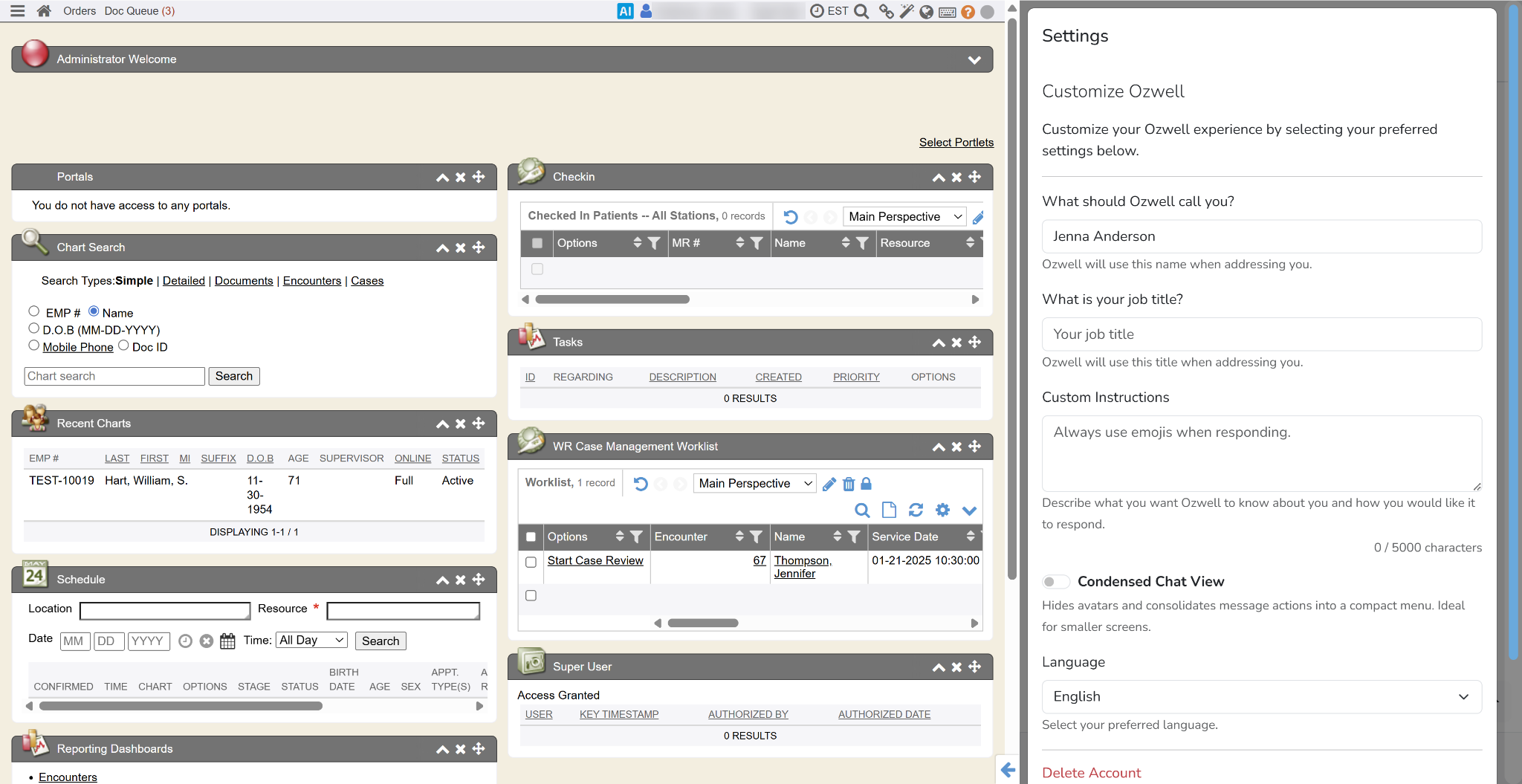
- After making your changes, click the Save button.