
Dashboard/Reports Center
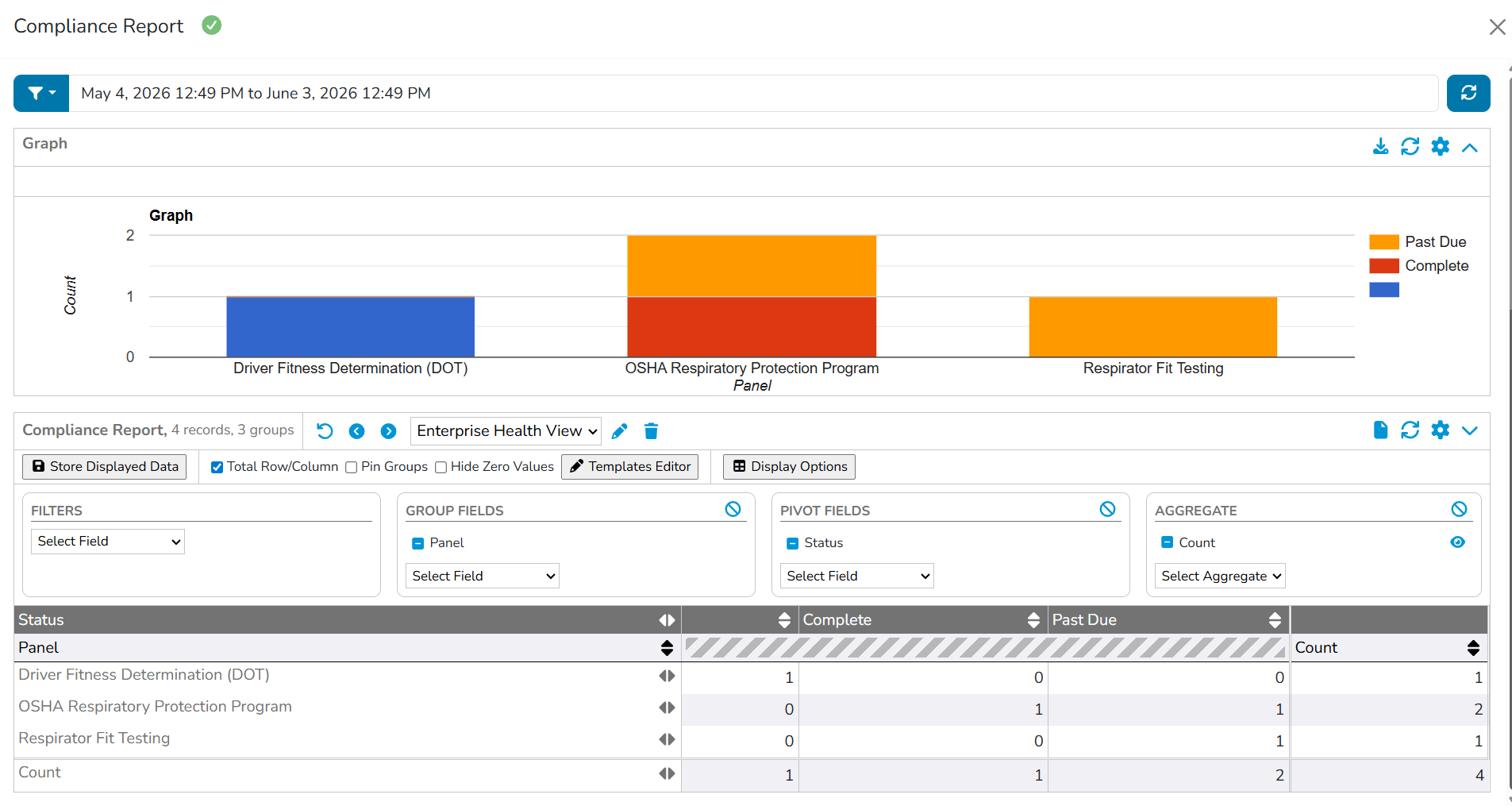
Compliance Report
The Compliance Report tracks and manages compliance requirements based on orders
generated from a deal for an employer organization (EO) and sub-employer organizations.
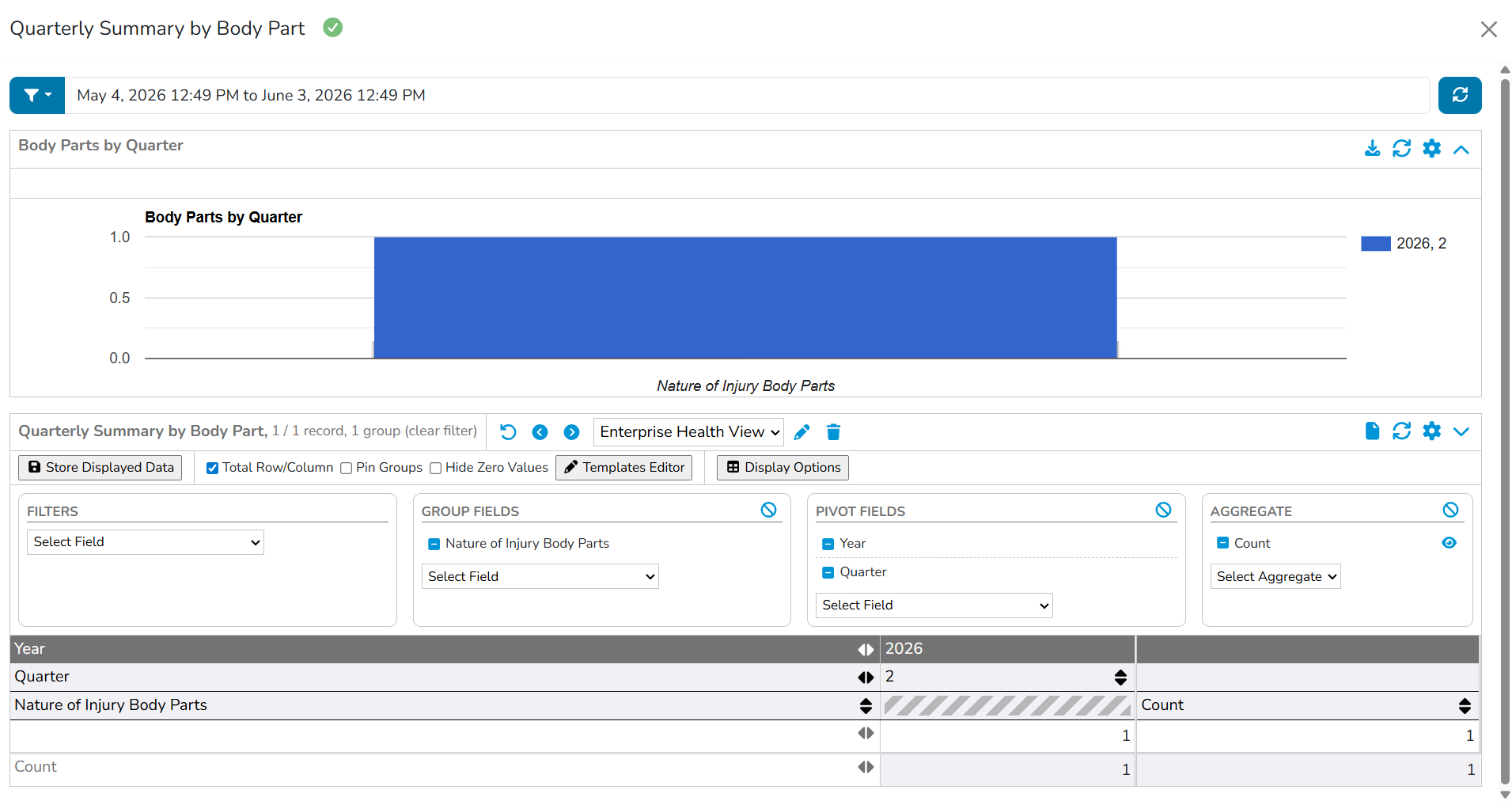
Quarterly Summary By Body Part
The Quarterly Summary by Body Part Report contains specific fields (e.g., Body Part Affected, Totals by Quarter, Totals by Year) grouped by client and location to track and manage injury-related data.
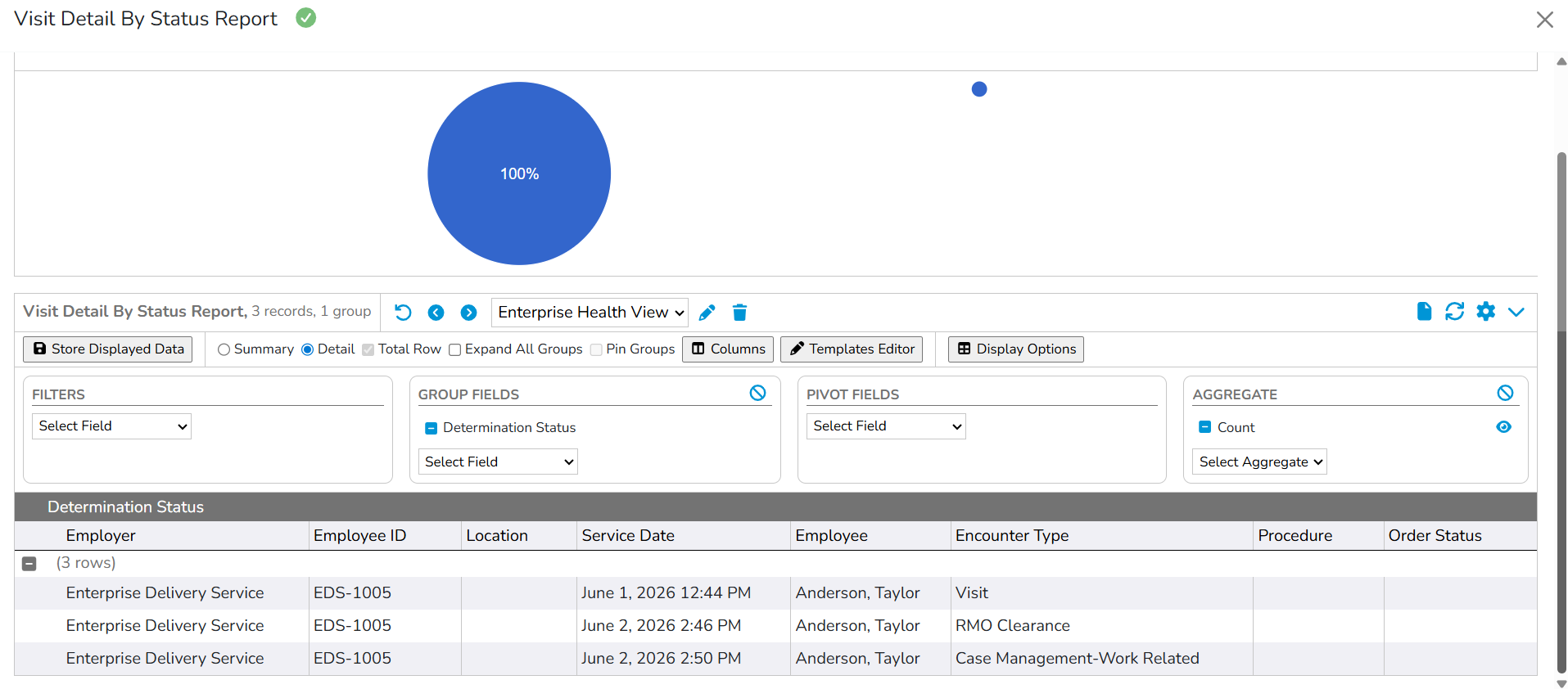
Visit Detail By Status Report
The Visit Detail by Status Report contains specific fields (e.g., EO, Sub EO, Location Where Services Were Rendered, Service Date, Employee name, Encounter Type, Procedures and Orders Status) to track and manage visit-related data.
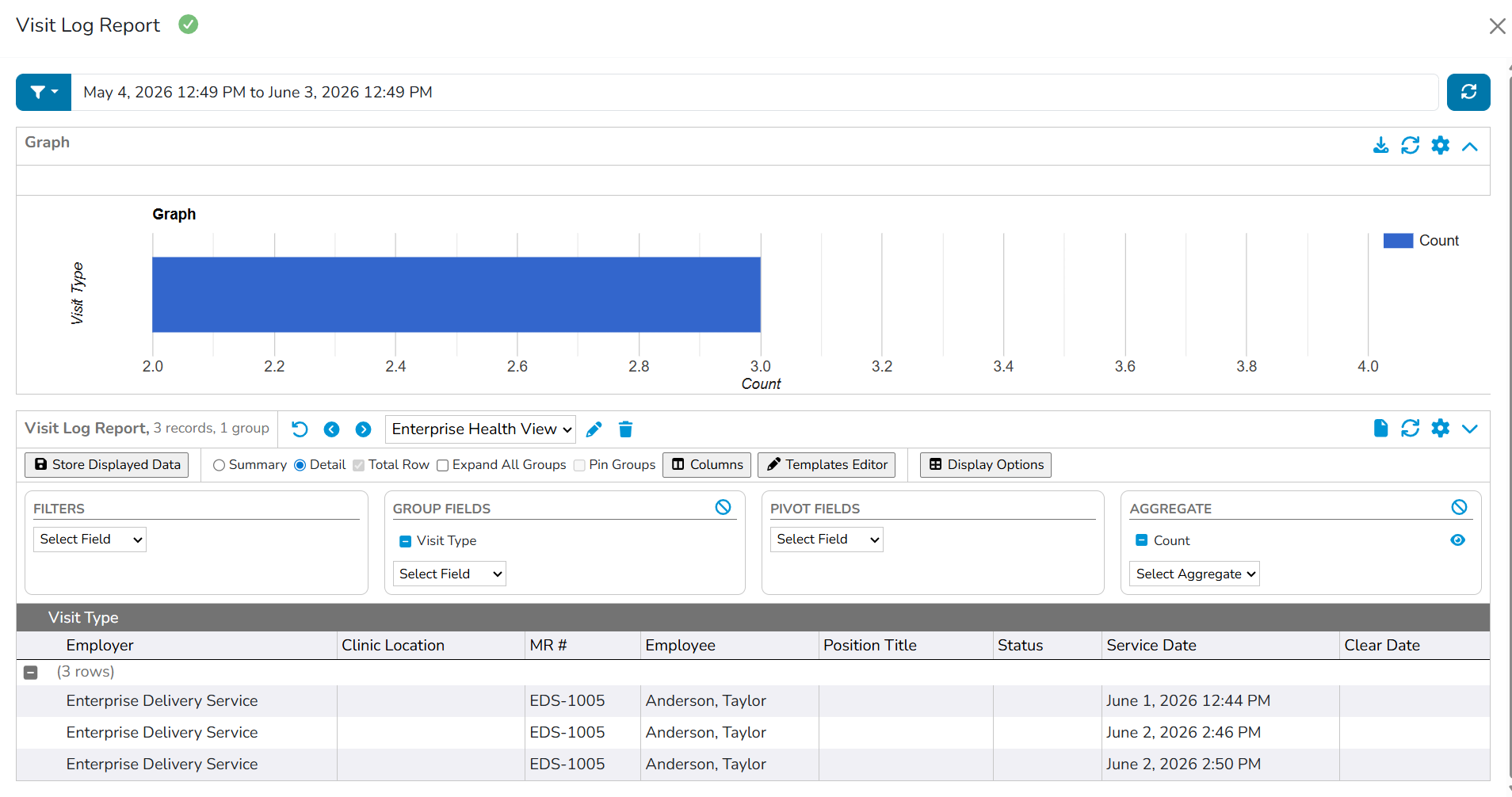
Visit Log Report
The Visit Log report exports encounter data specific to an employer organization. Information includes the employee name, clinic location where services were performed, MR number, Employee name, Position Title, and Service date. Add’l columns also display Health Surveillance clearance and Status if the encounter listed is related to a surveillance visit.
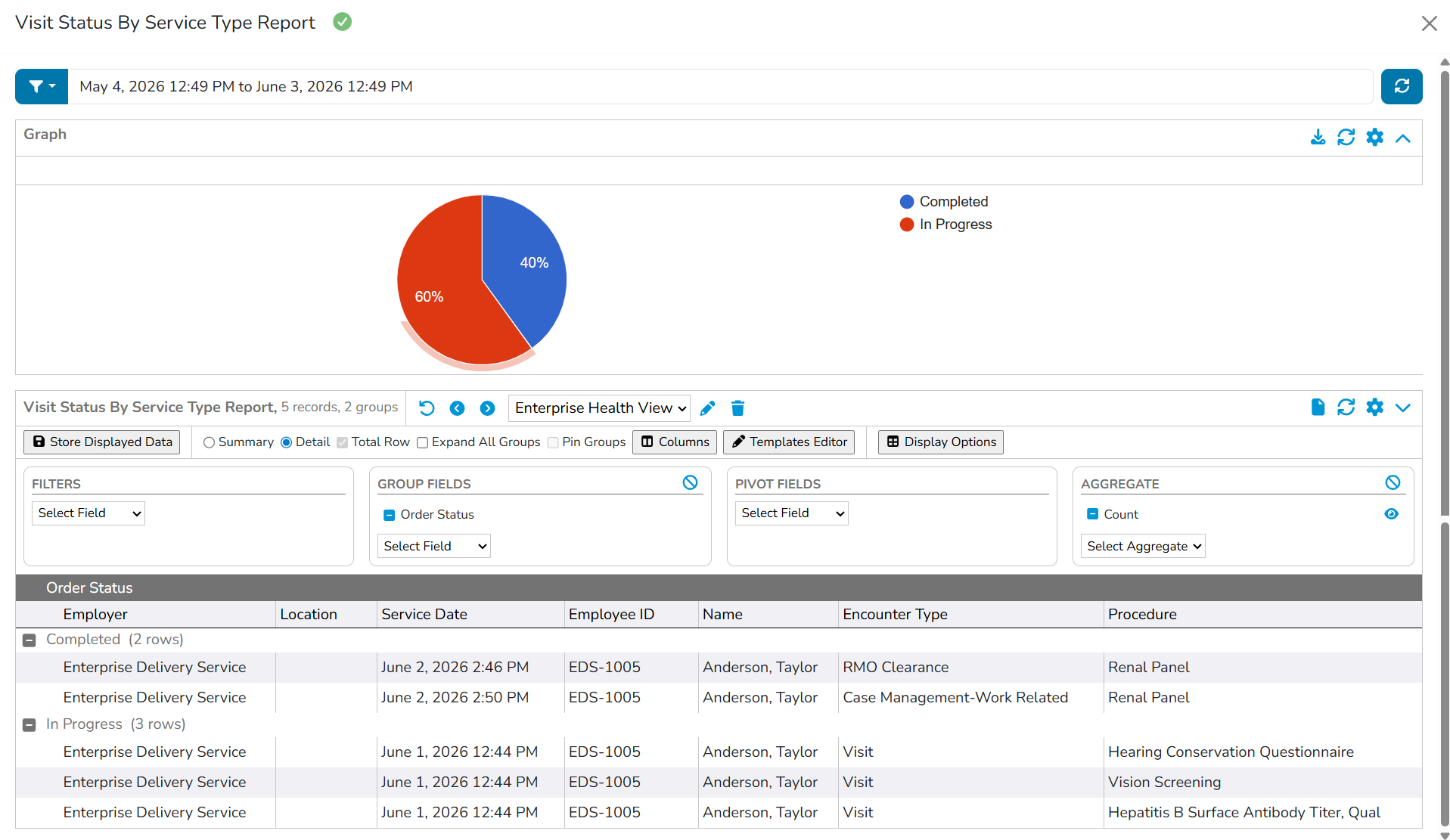
Visit Status By Service Type Report
The Visit Status by Service Type Report contains specific fields (e.g., EO, Sub EO, Location Where Services Were Rendered, Service Date,Employee ID and Name, Encounter Type and Procedures) that allows the supervisor to view a detailed status of what the employee’s clearance is pending for.
Contact Us
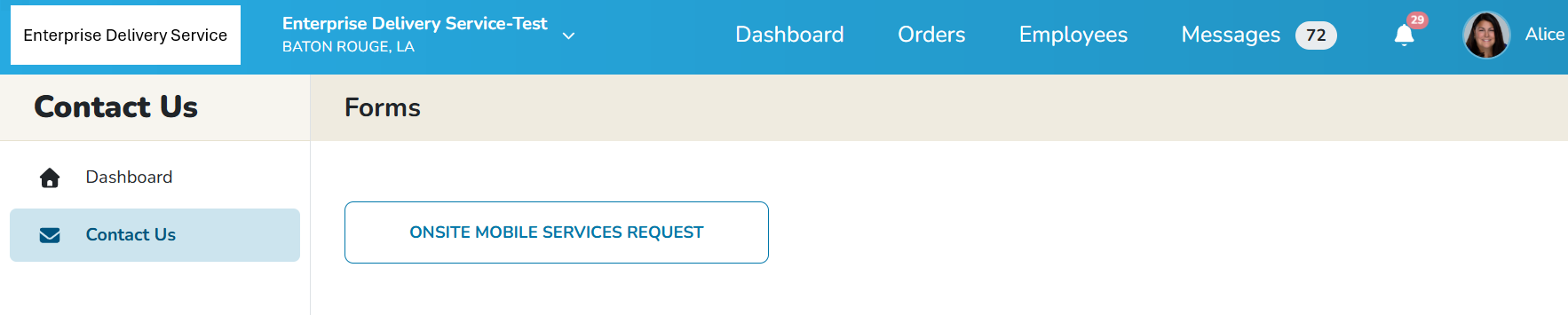
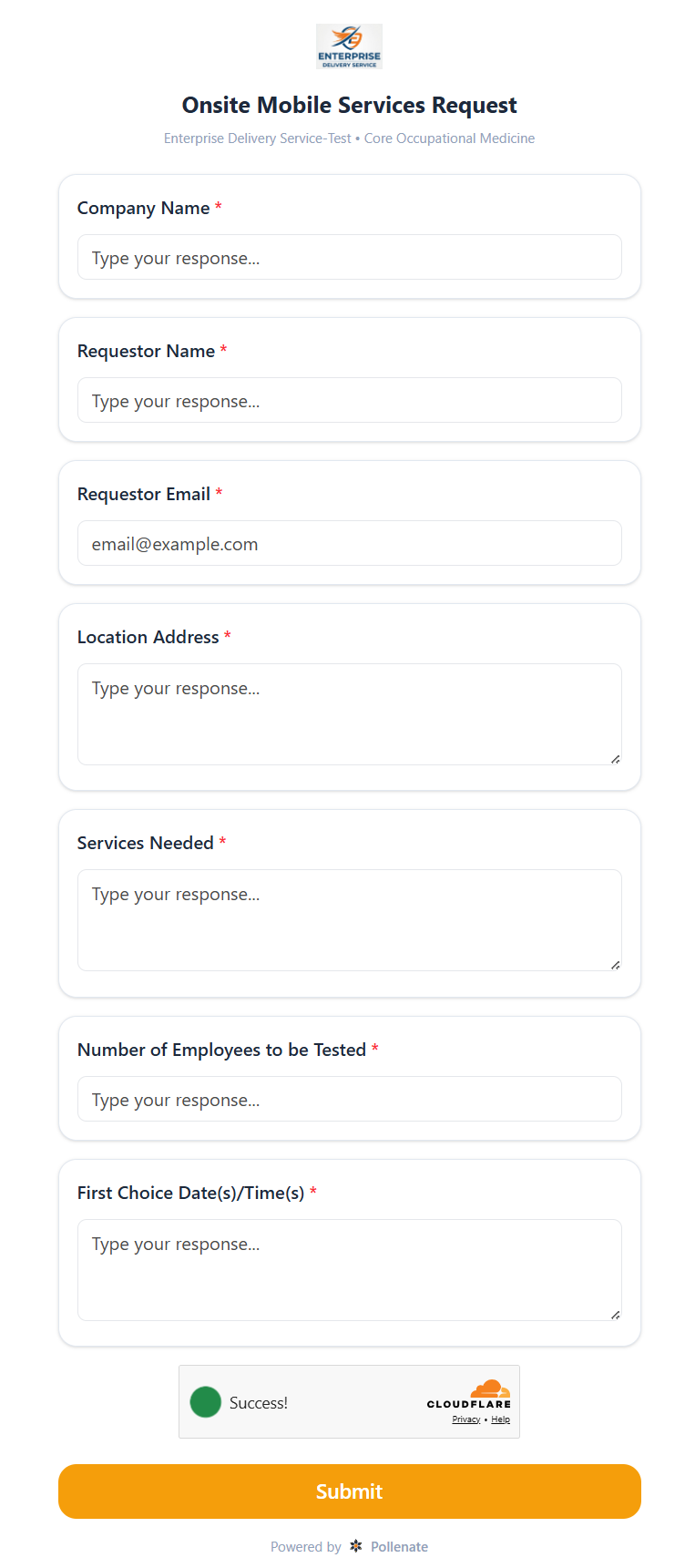
The Employer Portal allows users to configure client questionnaires, request or feedback forms using our Pollenate tool. When configured, these questionnaire forms will display within the Contact Us tab. Questionnaires can be configured to email individuals or configured to task individuals within Enterprise Health.
Learning Management System
To learn more about Using DataVis Grids - Data Tools, follow the link below to the Learning Management System course:
- Reports 206.A (70 minutes)