
Ozwell AI - Translator
Ozwell AI offers a Translator that makes it easy to support patients and users who speak different languages. Translations are available in 50 different languages. Ozwell AI will automatically operate in the user’s preferred language by updating the Language Setting in Ozwell AI.
Utilizing Ozwell AI Translator
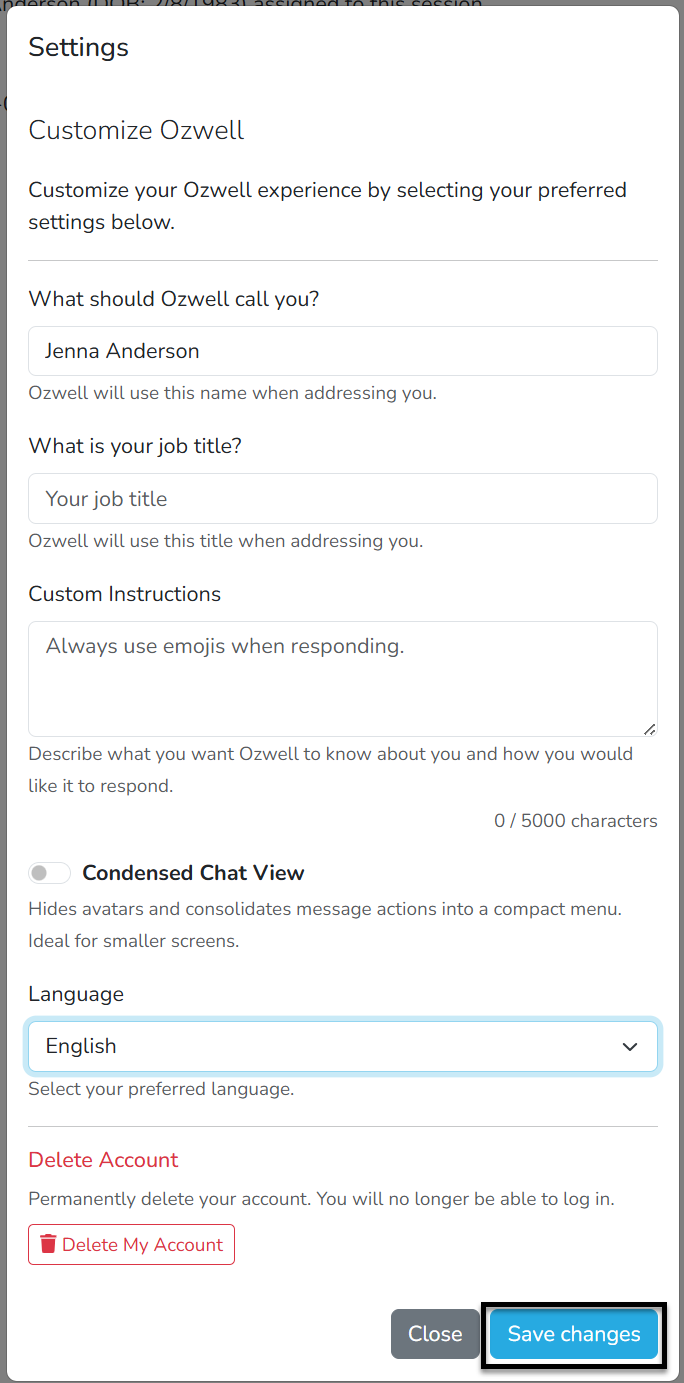
To set a preferred language:
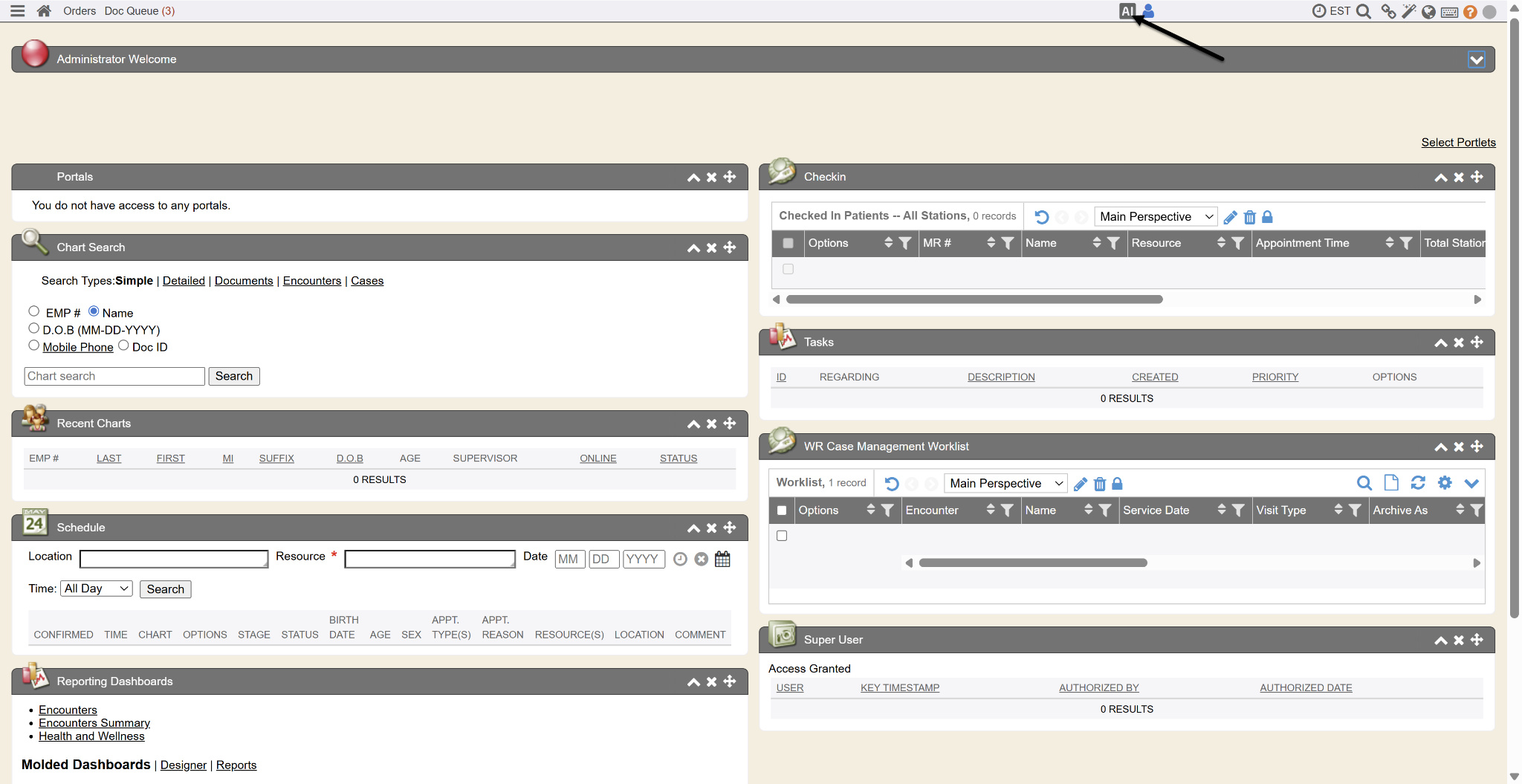
- Click on the AI button at the top of the screen.
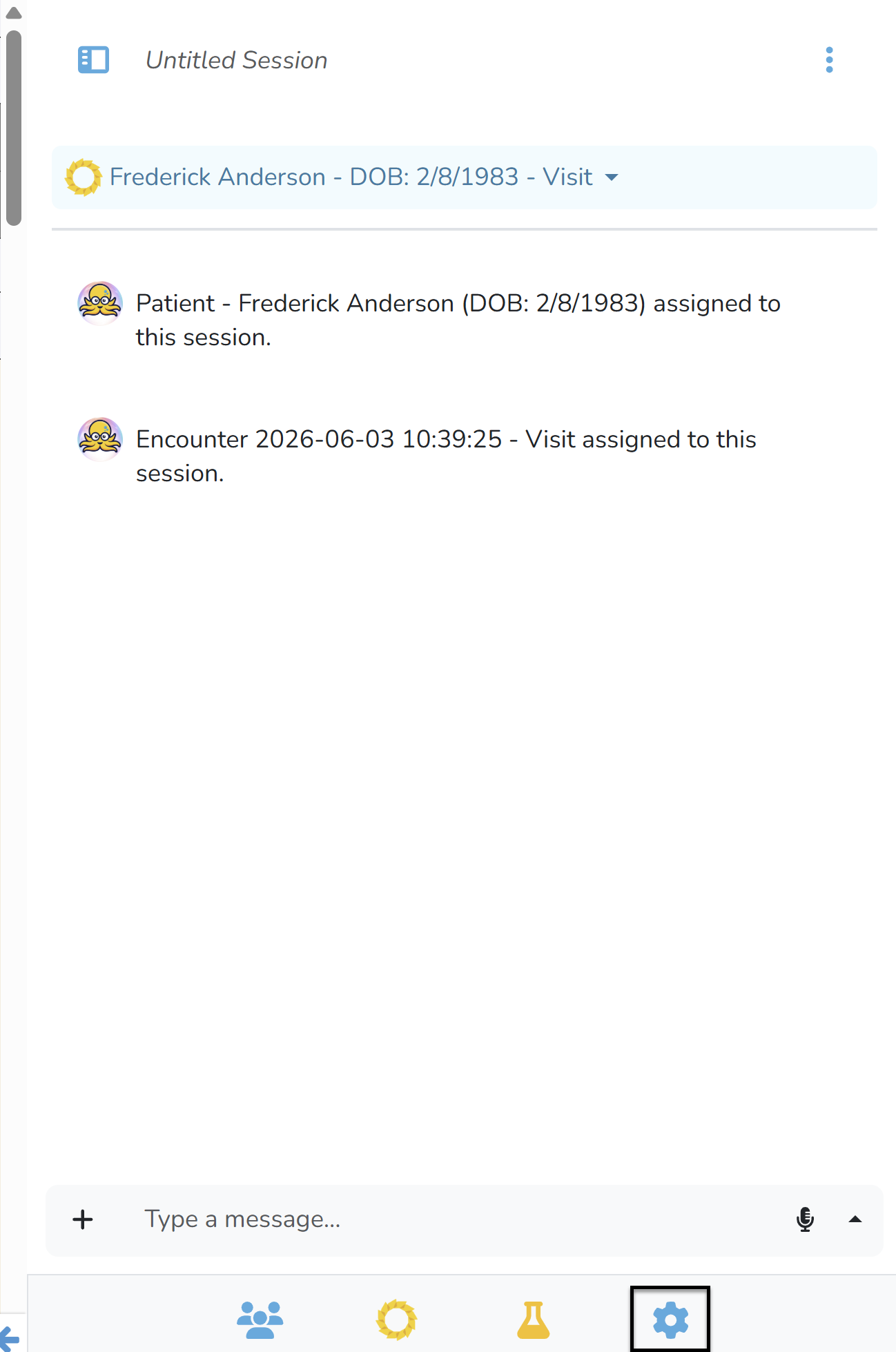
- Click on the Setting icon at the bottom of the Ozwell AI window.
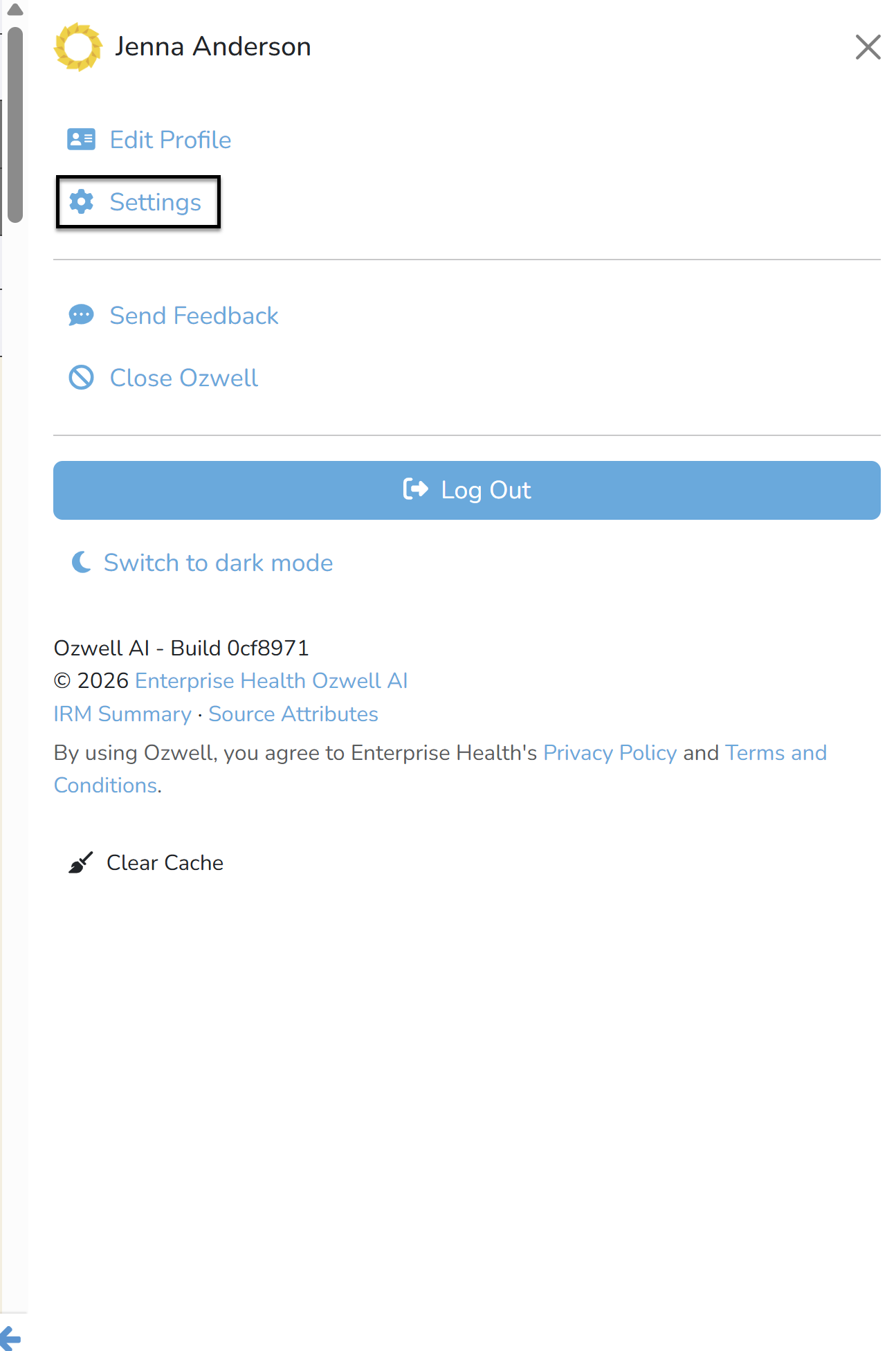
- Click on the Settings link.
- Select your preferred language from the dropdown.
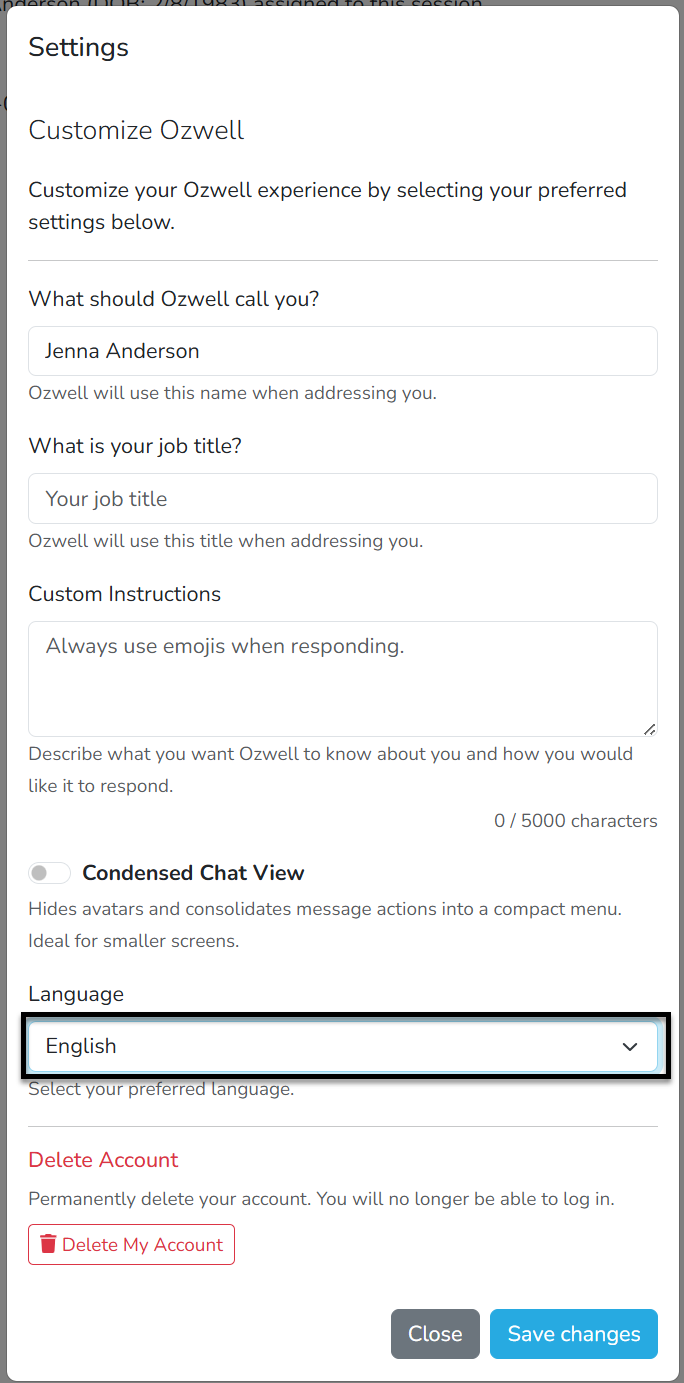
- Click the Save Changes button.
To translate a conversation:
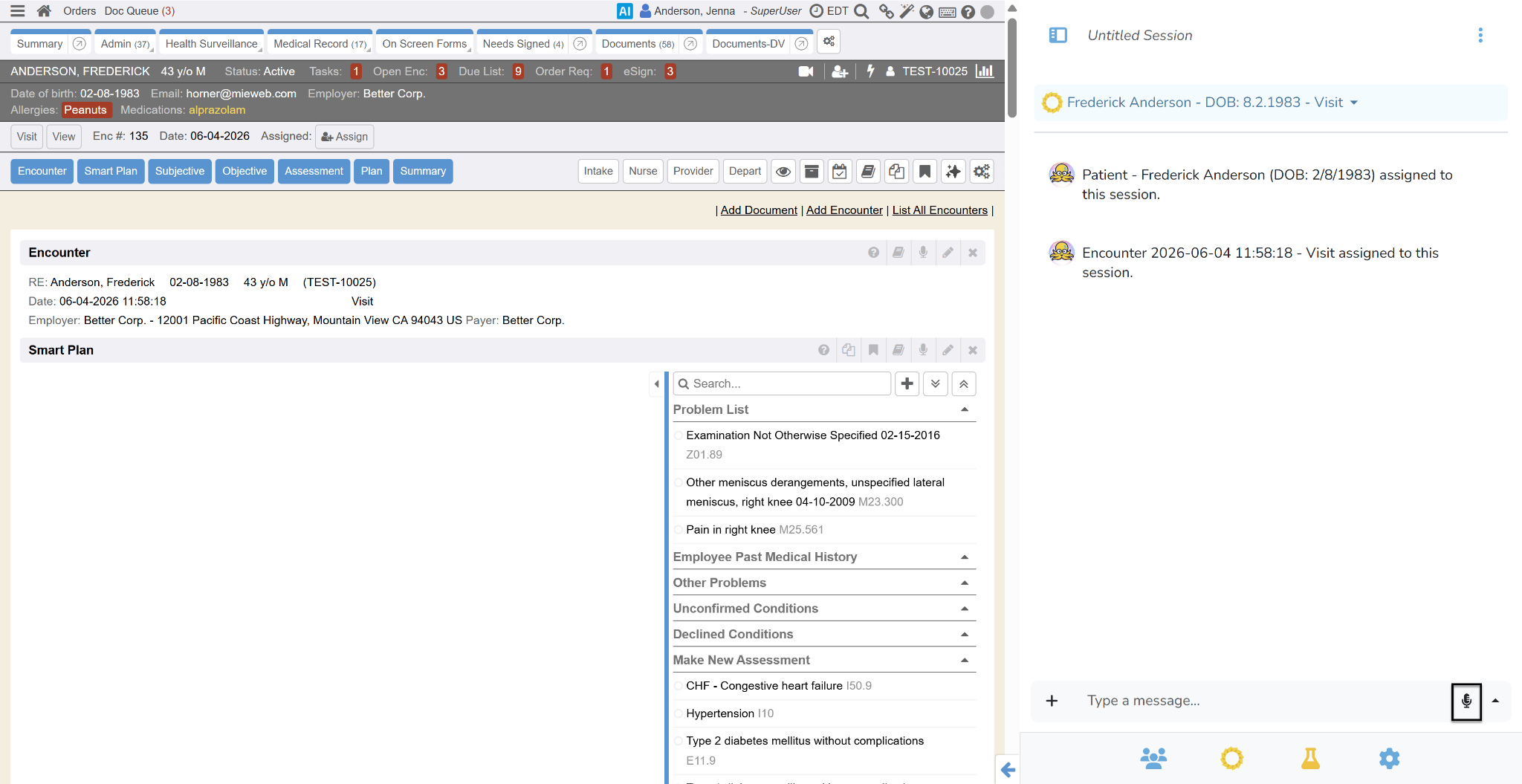
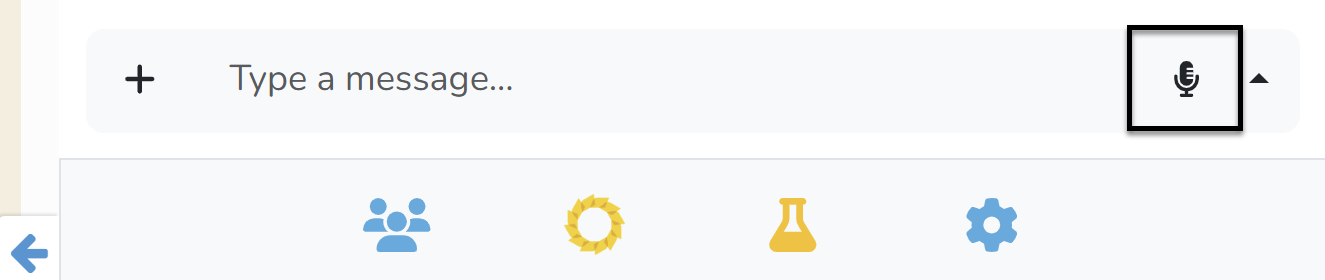
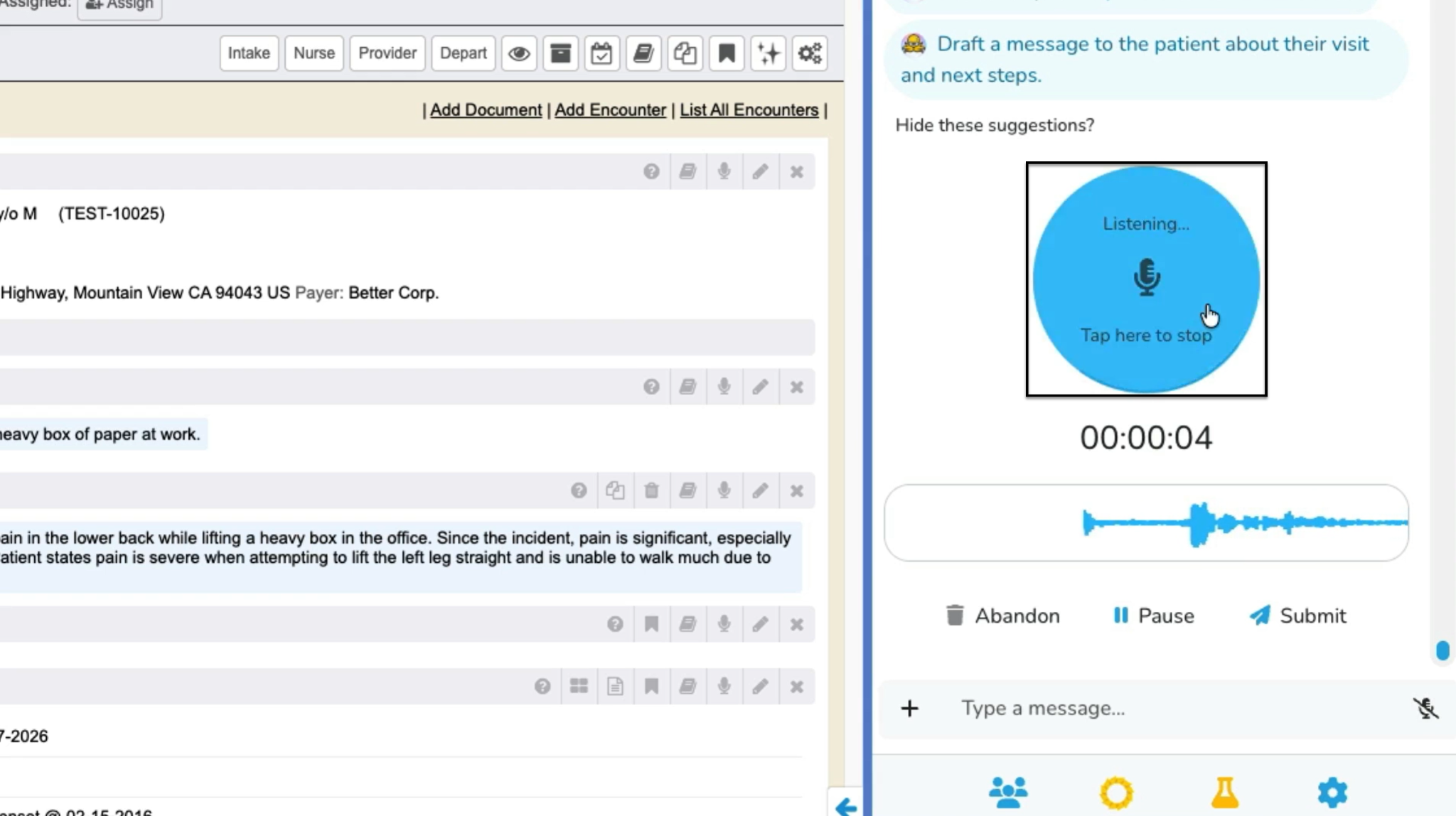
- While working within an Encounter, Ozwell AI will automatically translate the conversation to the user’s preferred language. For example, if a user has their language set to English and a patient speaks Spanish, Ozwell AI will provide the note in English. Click the Microphone button to record the Spanish conversation. The translation will display automatically.
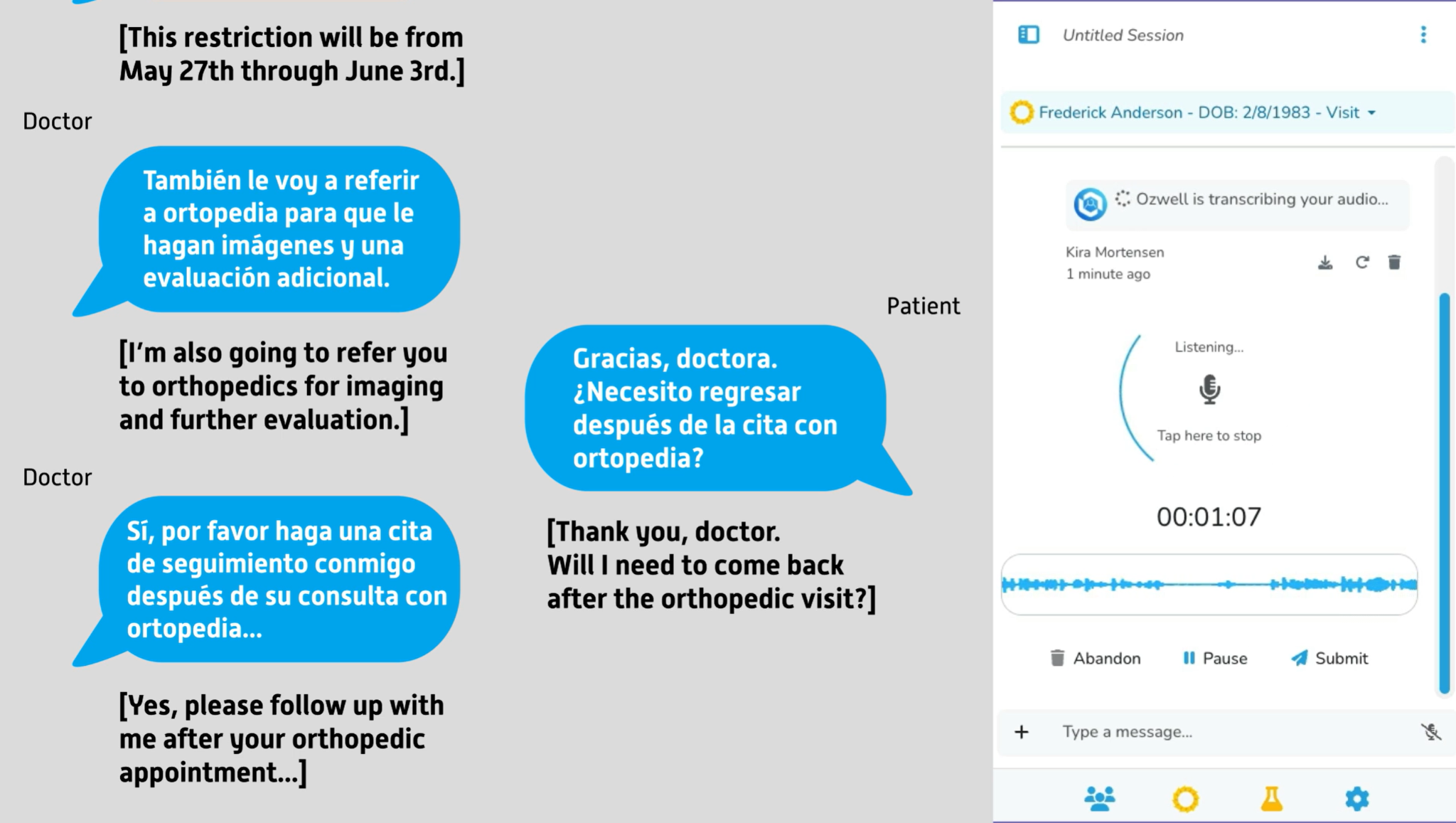
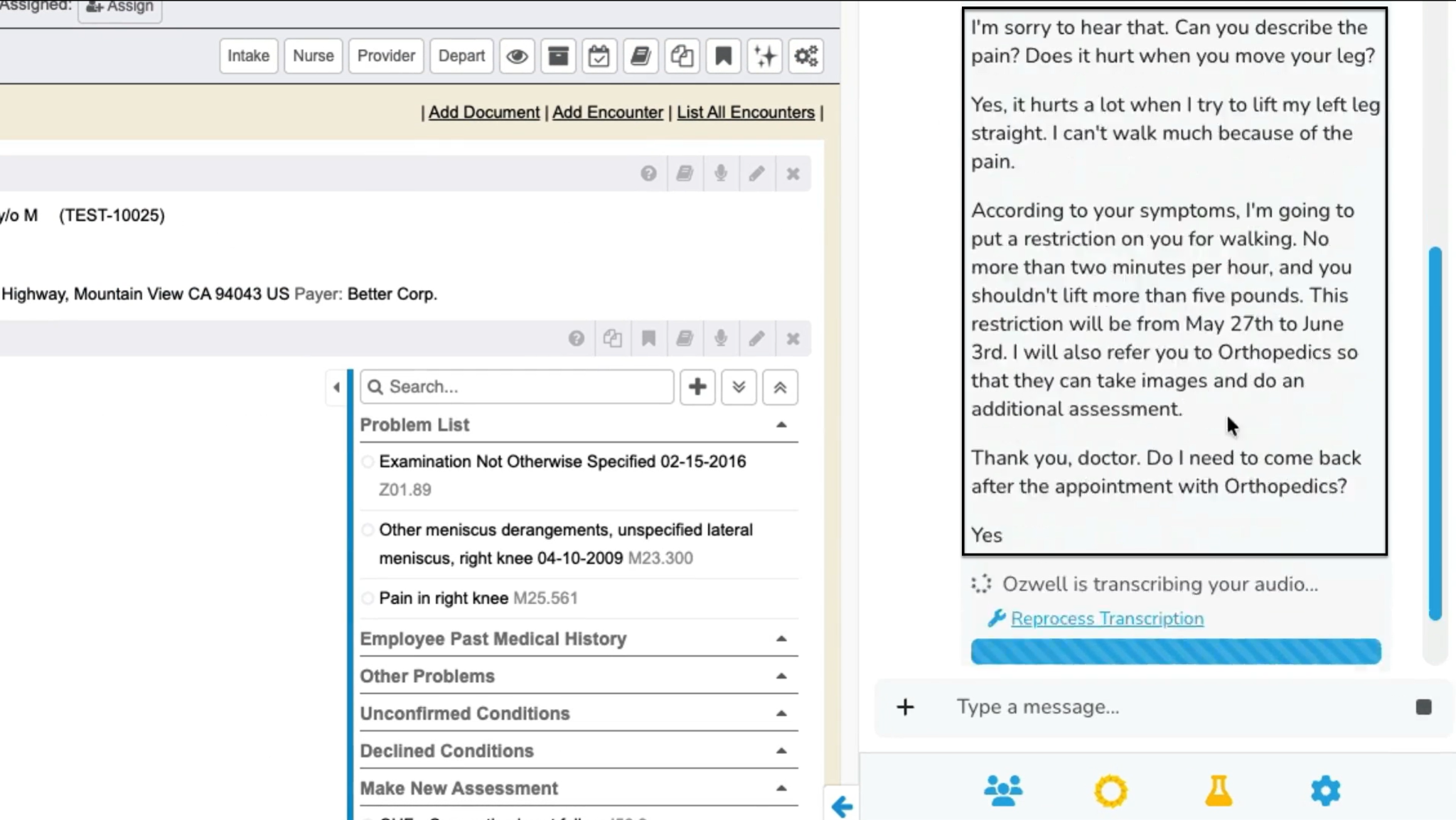
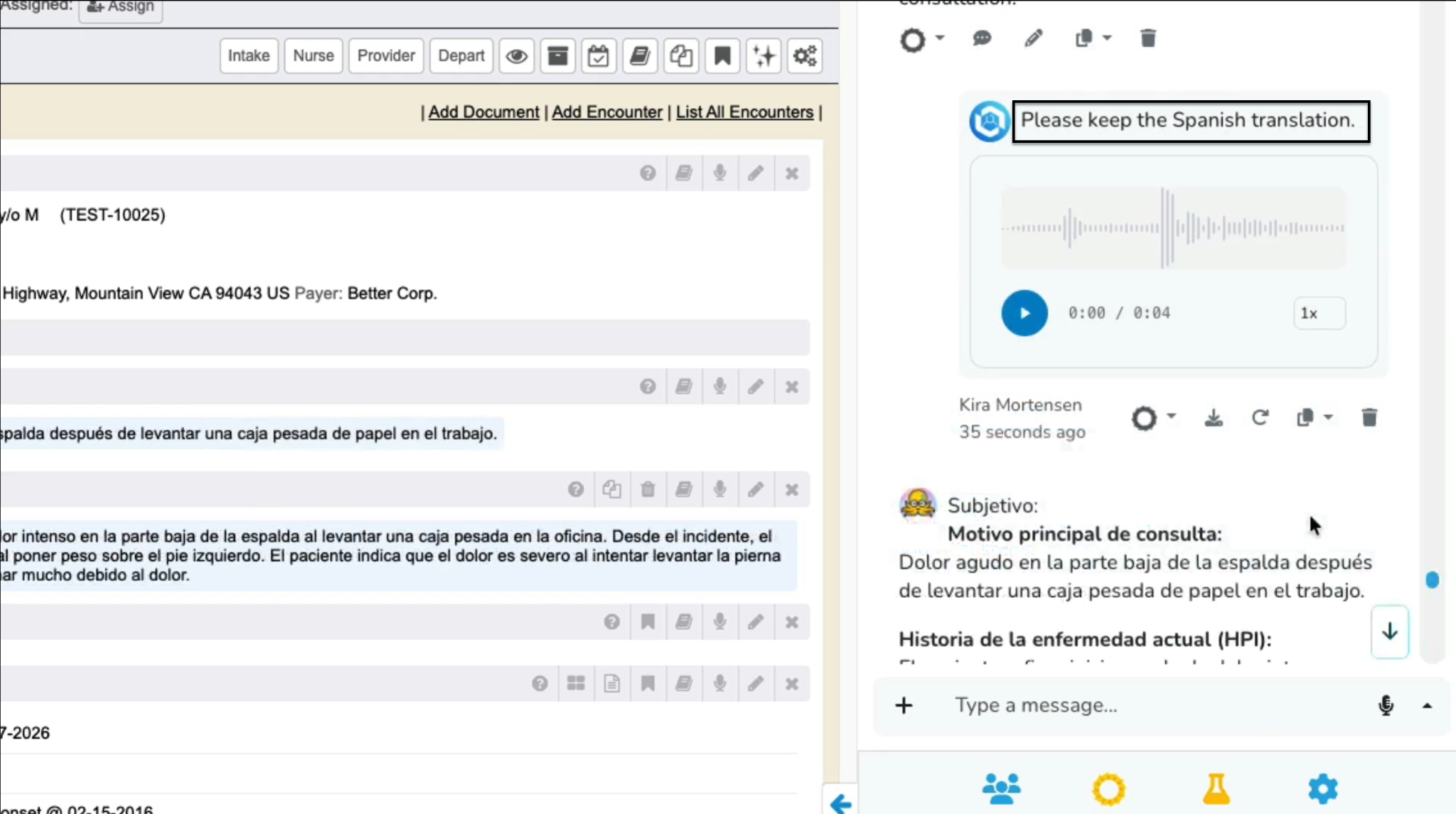
- If a user wants to keep the original language, ask Ozwell AI to store everything in that language. For example, click the Microphone button and say “Please keep the Spanish translation”. Click the Microphone button when done. The Spanish will display and the narrative sections will be updated with Spanish.
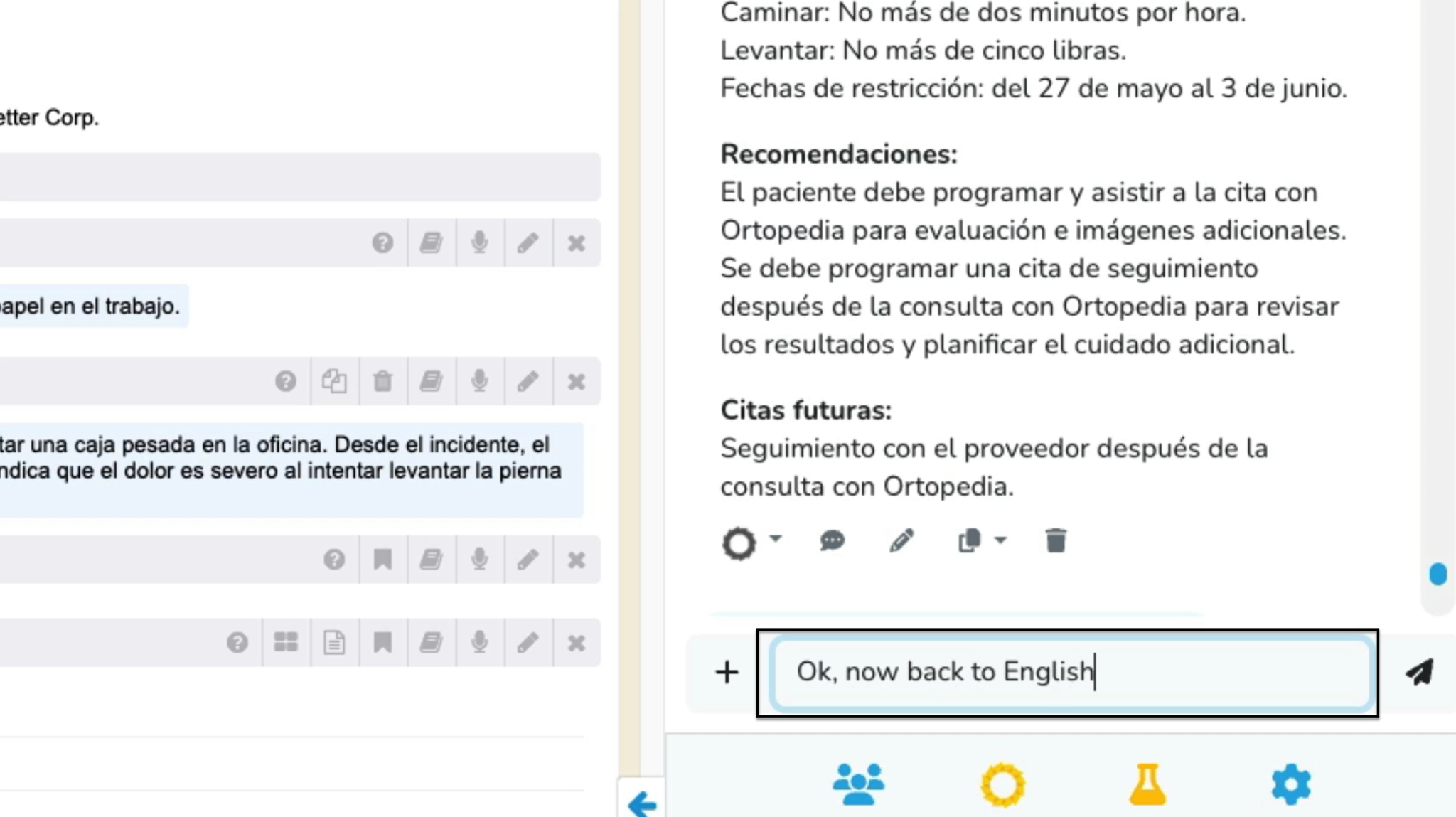
- If you need to switch to another language, ask Ozwell AI by clicking on the Microphone button or type the request into the “Type a message…” field and click the Paper Airplane button.
To translate a document:
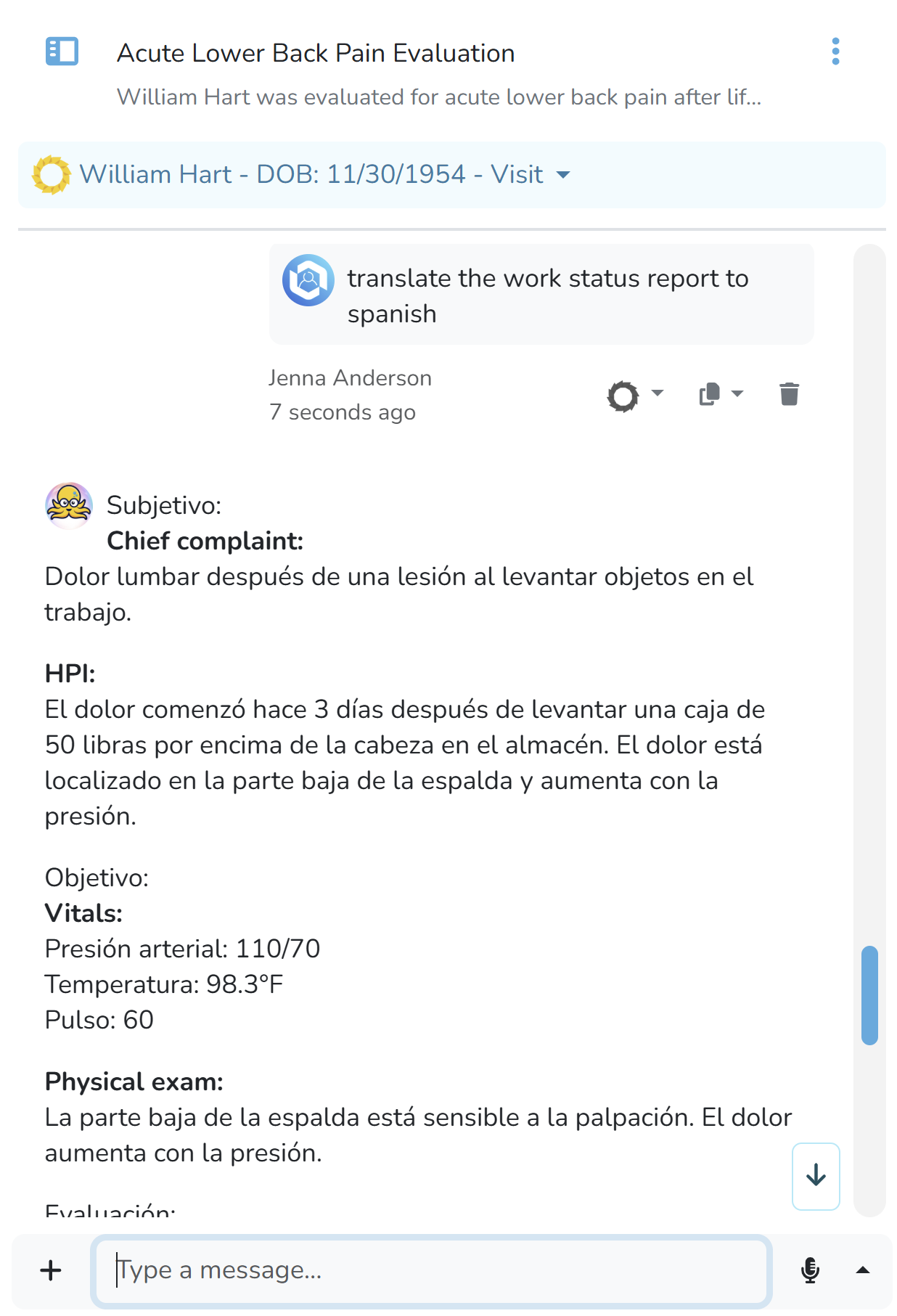
- While working within an Encounter, ask Ozwell AI to translate any document and save the translated document.
Additional Information about Ozwell AI Translator
Ozwell AI recognizes when there are multiple speakers in the room, including if a translator is present. It will keep track of who is speaking even if there’s some back-and-forth conversation and clarification happening. Ozwell AI can capture all sides of a conversation and can be prompted to display everything the patient said, so there is a complete record. Always review the translated content to make sure it accurately reflects the conversation, especially for clinical or legal information. Ozwell AI respects existing privacy and security settings. It will not allow users to access information they do not normally have access to.